How to use: each card opens the site in review mode — click “+ Add comment,” click a spot, type, Save (a numbered pin drops). Then say “read the website review comments.” Use the Checklists tab to track design/content/technical quality per site, and Integrations & To-dos for handoff tasks.
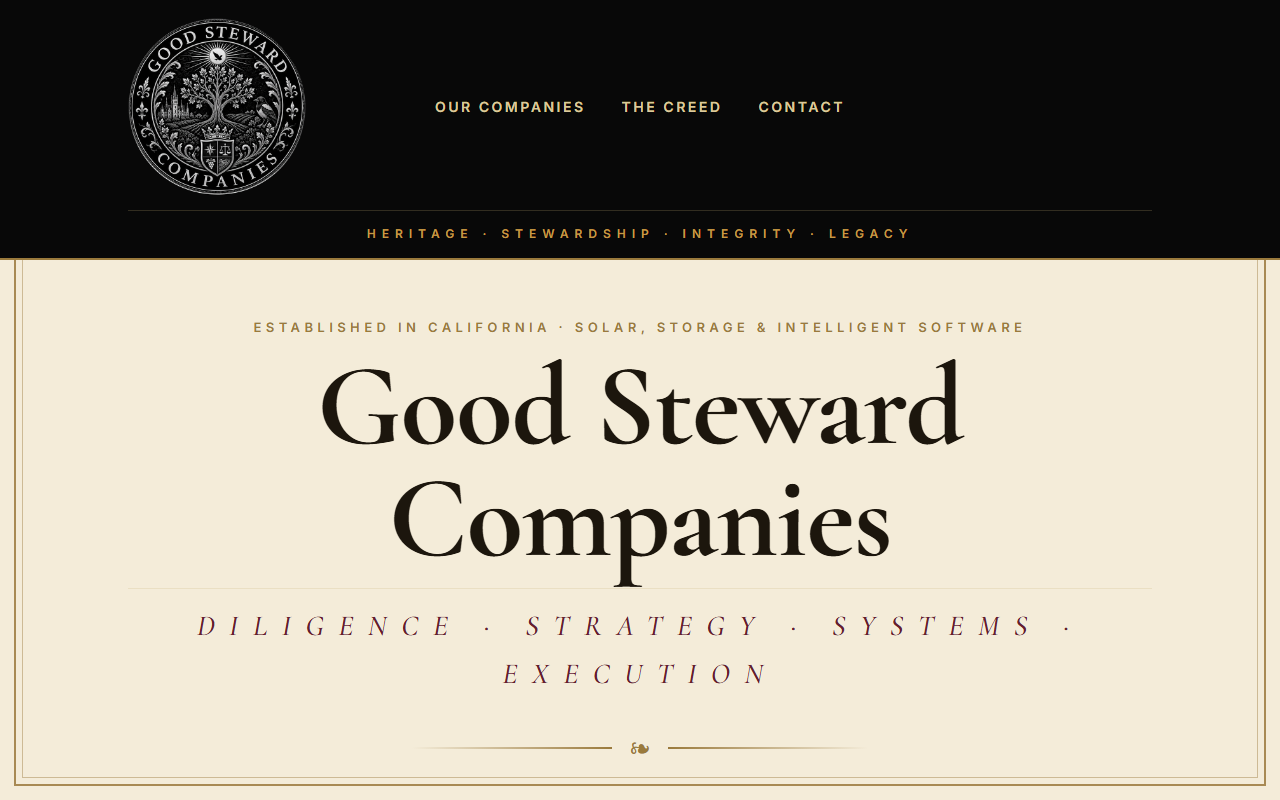
The holding company — parent of all five houses, crest set, built-in inbox, “family of companies, one standard.”
Open site →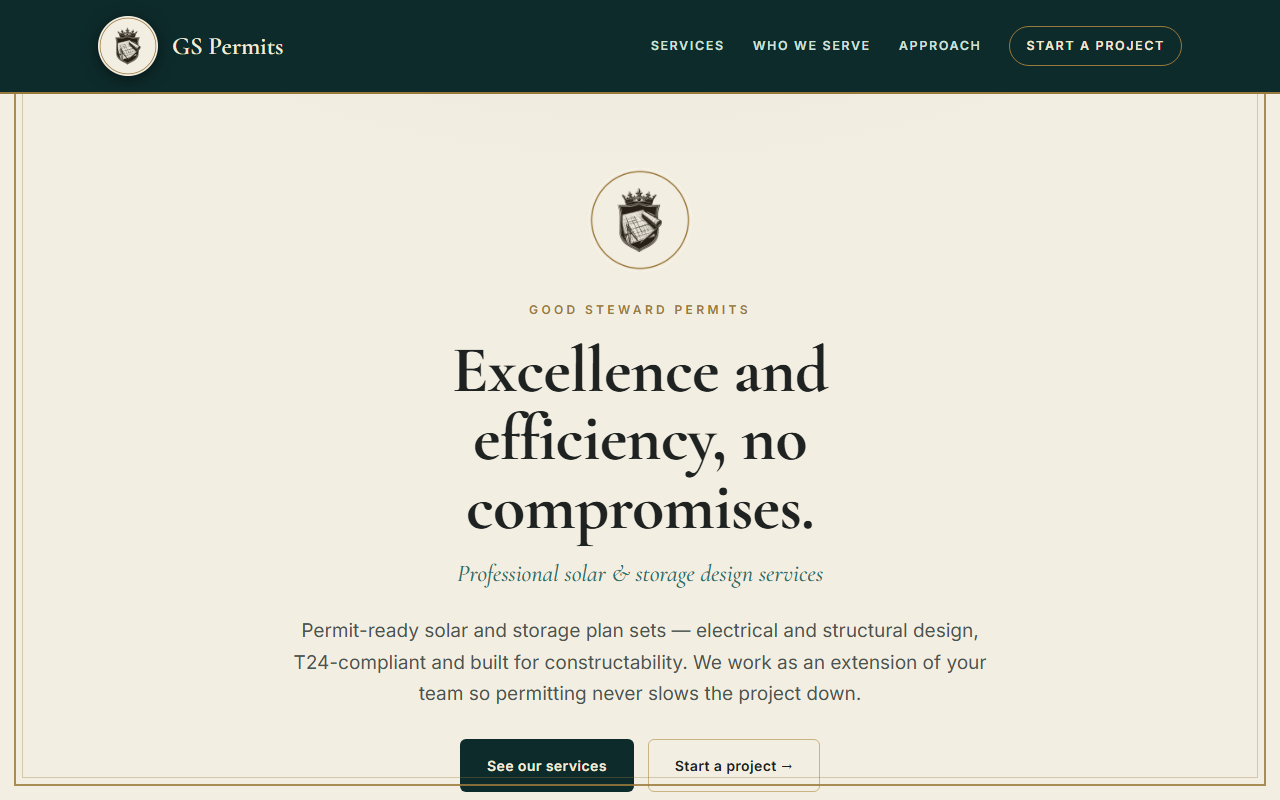
Solar & storage permit-ready design — plan sets, electrical/structural, design & bid support (deep teal).
Open site →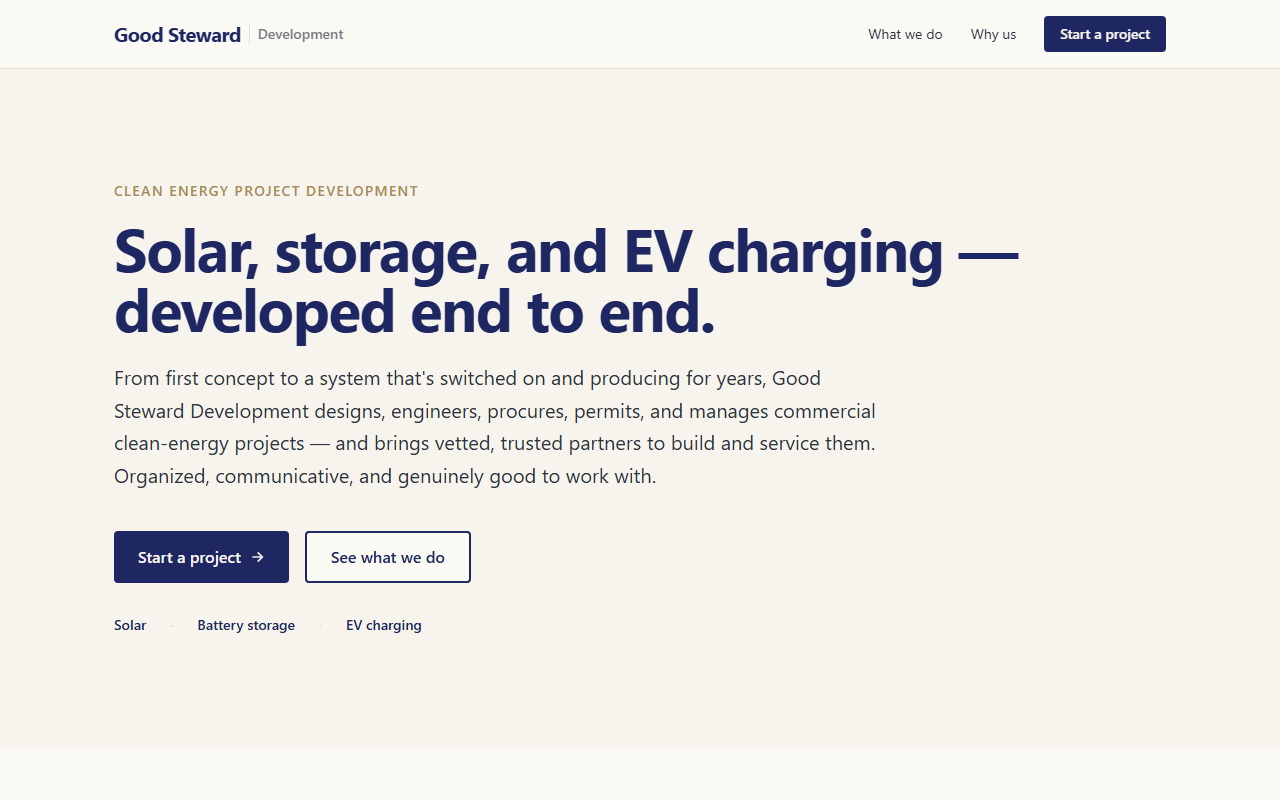
Full development-company site — lifecycle services, why-us, project intake. Preview URL; public domain still coming-soon.
Open site →
Rebuilt from the old goodstewardcompanies.com — services, stats, who-we-serve, team. Preview URL.
Open site →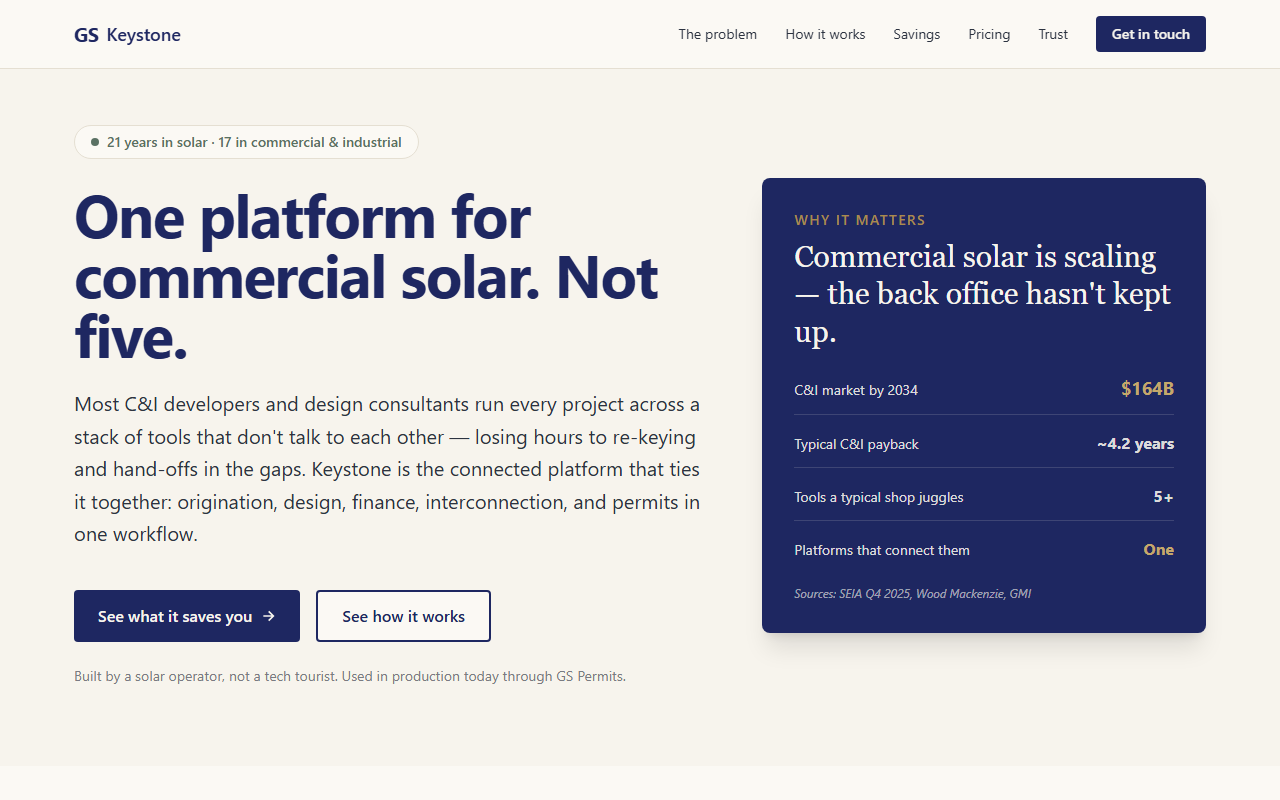
Flagship platform — the problem, how it works, savings graph, design pricing, founder bio. Preview URL.
Open site →
The independent software studio behind GS Keystone & Magpie. Fully restyled, working contact form.
Open site →Your part is short: for each site, read the content (accurate? says what you want?) and decide if you like the look. Everything else — design polish, SEO, performance, forms, accessibility — is the WEBMASTER’s to verify (shown for transparency). Use “Just your part” to hide the rest.
Integration & handoff tasks — each with full detail and a ready-to-paste prompt for the relevant agent. Click the status chip to cycle Todo → Doing → Done.
The control-panel view — live site health, the scheduled jobs running across the family, every service & API that's wired up, and where each domain currently lives.